
The occasion’s purpose
Keep its social and emotional meaning clear.
One formal occasion. People and protocol.
Prepare a formal occasion with a clear order, meaningful roles and local traditions. Plan the people, protocol and fitting complications, with room for players to take part.
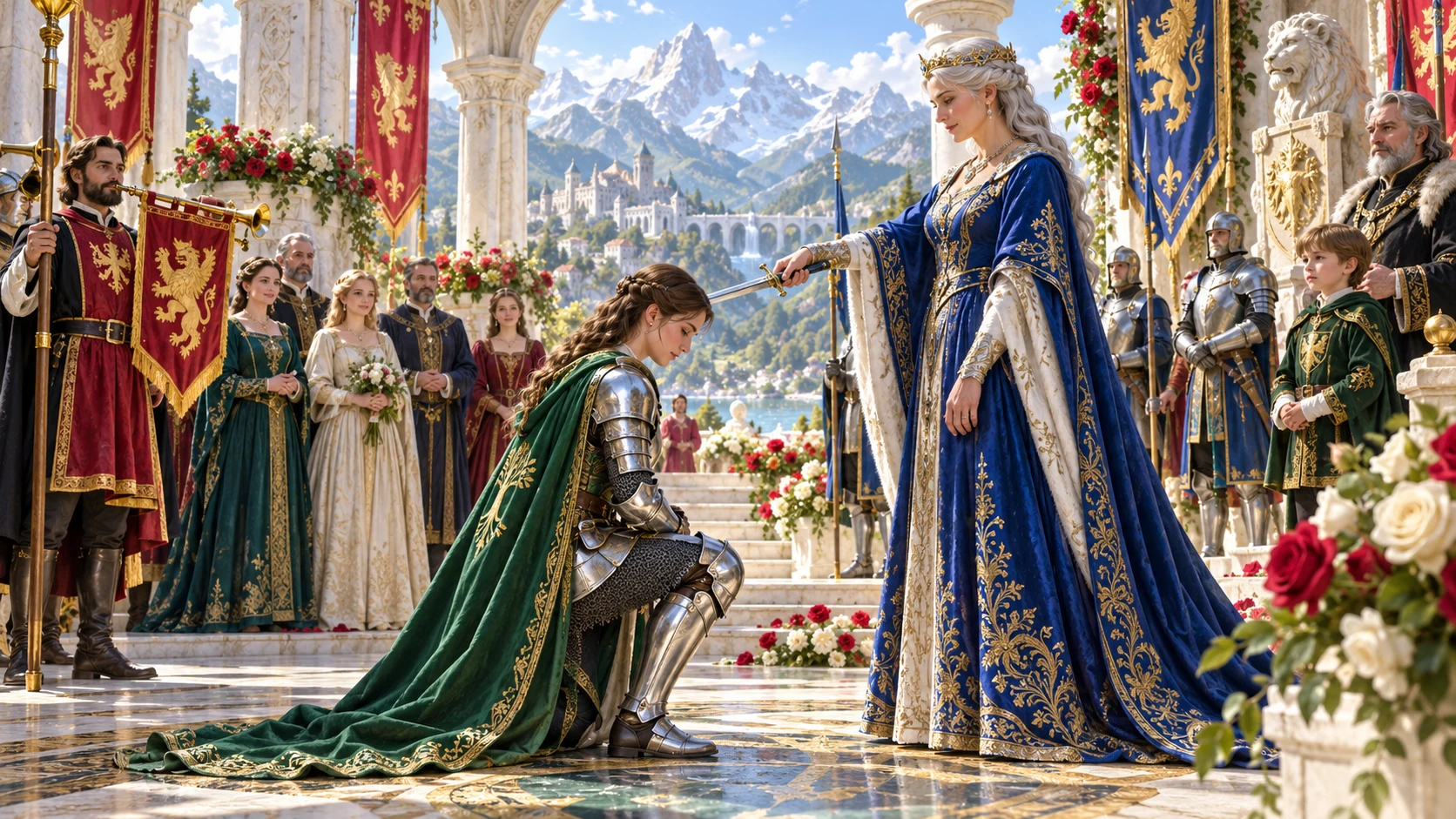
One occasion. People and protocol.
Connect the purpose, roles, customs and order before adding complications.
Keep its social and emotional meaning clear.
Place participants, family, officiants and guests.
Prepare the order, protocol and public details.
Leave space for players to influence what follows.
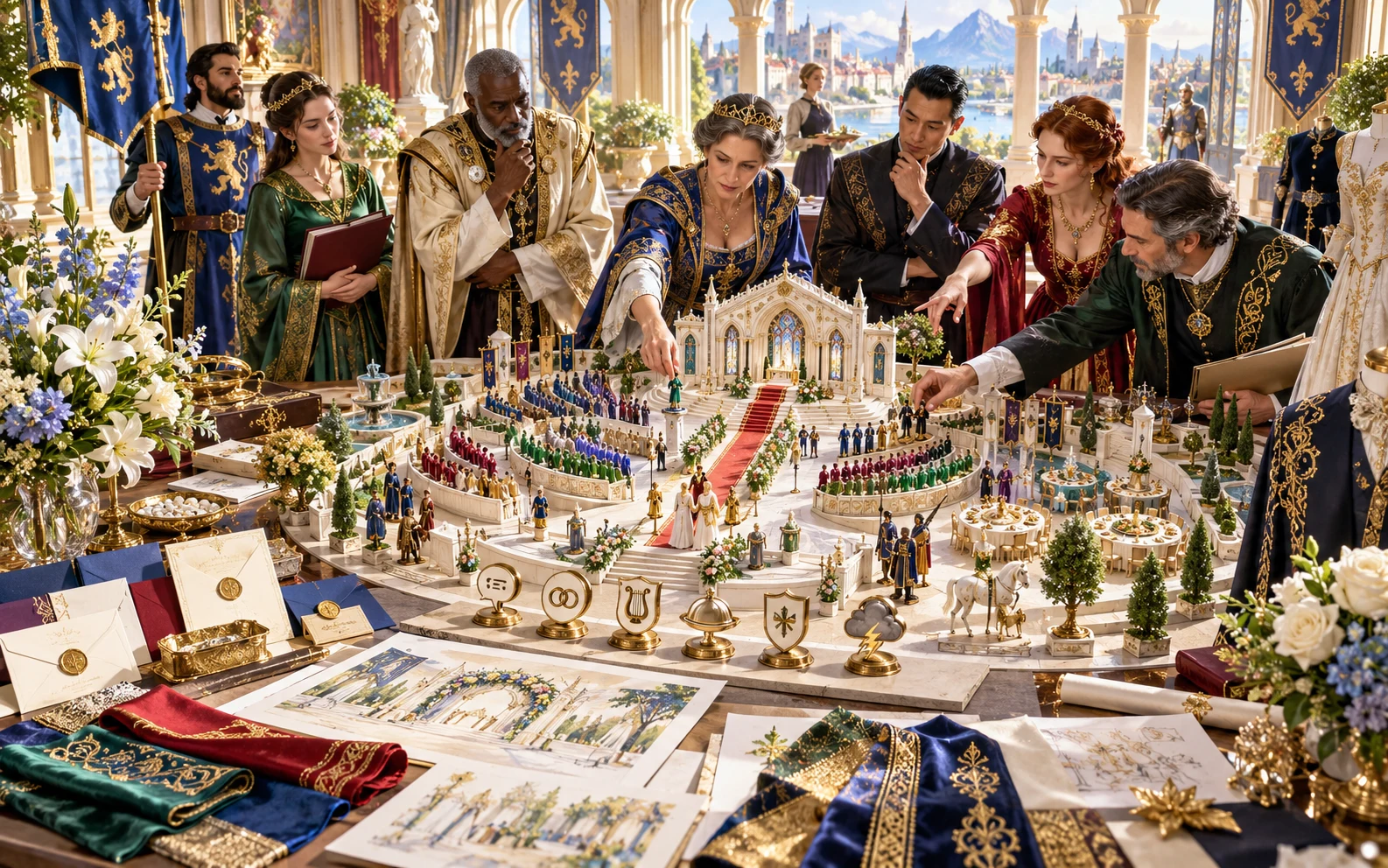
Prepare the formal occasion
The illustration represents fictional scene preparation, not an application screen or generated image output.
Choose the occasion and place its participants.
Keep procession, seating and protocol clear.
From occasion to ceremony programme
Keep the people and protocol beside every important beat.
Set event type, cultural tone, scale, prestige and tension.
Prepare participants, roles, guests and seating.
Build five to ten beats with protocol and risk moments.
Prepare fitting complications and aftermath obligations.
Your ceremony toolkit
Connect the event’s meaning, order, roles and fitting complications.
Prepare a wedding, funeral, coronation, investiture, knighting or another formal event.
Set cultural tone, scale, prestige, tension and the occasion’s purpose.
Prepare participants, family roles, officiants, guests and diplomats.
Build five to ten ceremony beats with a clear order and risk moments.
Review venue, procession, seating, precedence, gifts, dress, symbols and speeches.
Consider rival guests, hidden agendas, interruptions, omens, weather and taboos.
Edit, lock confirmed details, rebuild selected material and save account versions.
Review a Dungeon Master event guide or player invitation and programme, then copy, download or print.
Choose the detail the occasion needs
Add the formal choices and relationships that matter.
Start with type, culture, scale, prestige and tension.
Refine public or private, sacred or secular and formal roles.
Plan the venue, procession, vows, gifts and symbols.
Prepare precedence, customs, rival guests and agendas.
Keep useful event preparation
Choose the details and view that fit your table.
Edit, undo and redo changes in the workspace.
Lock material and rebuild selected parts.
Save, reopen, rename, duplicate, tag and annotate.
Review the event guide or chosen player programme.
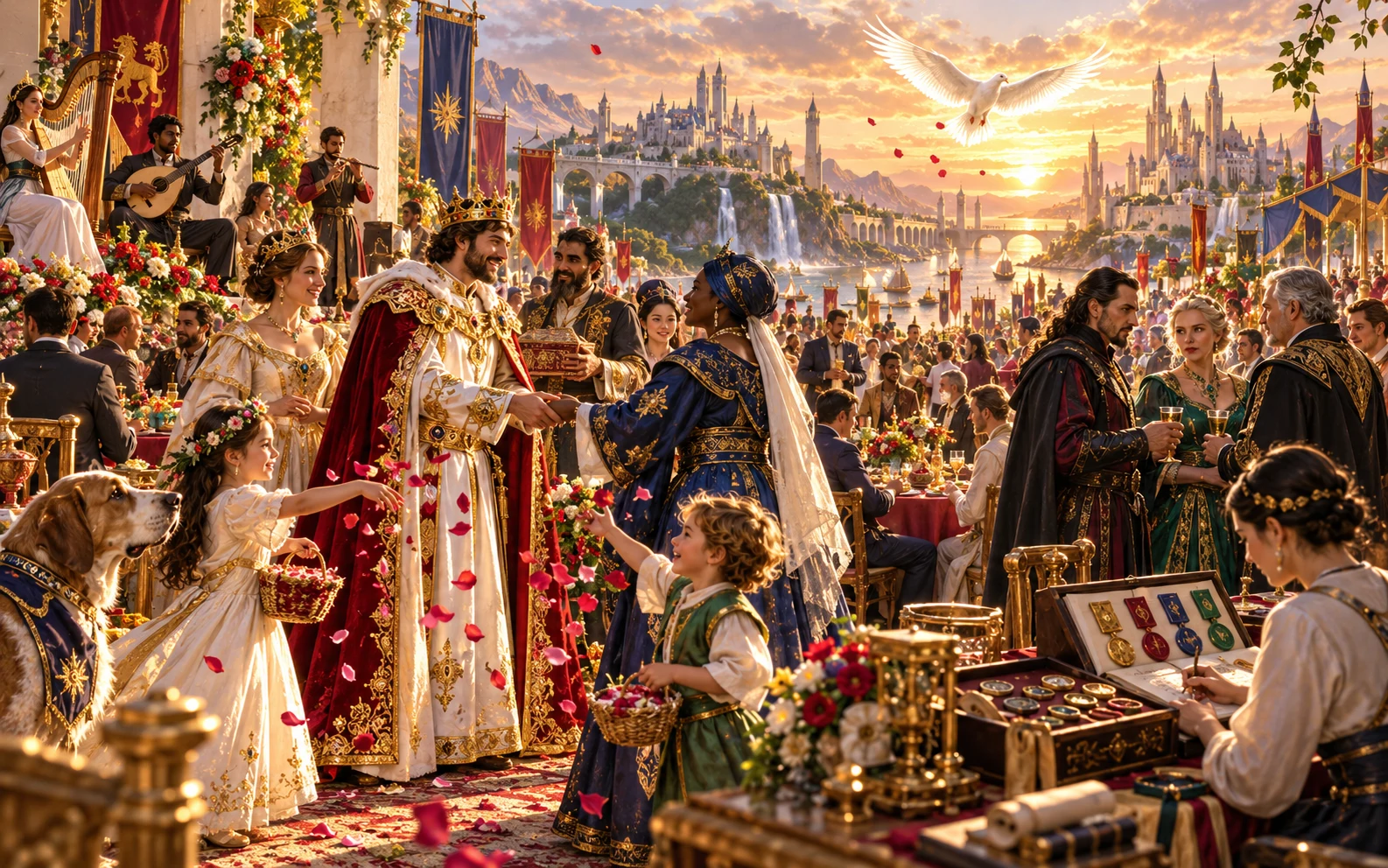
An occasion to review
Review the programme, guests, gifts and complications.
Prepare aftermath obligations and the chosen player invitation.
Review player-facing details before sharing.
A formal occasion stays focused
Review the intended scope and the material you share.
Prepare the occasion, participants and aftermath.
Review complications against people already present.
Check player material and keep private agendas separate.
No opponent transfer or Combat PRO encounter creation.
Choose your generator access
Choose the required generator access and review current pricing in your account.
Choose the required access for Ceremony & Major Event Generator as a selected standalone generator.
Select this generator within an eligible pack. Review current capacity and pricing in your account.
Other generators, Battlemaps and image-credit products have their own access arrangements. They are not included automatically.
Create a free account, choose the required generator access and use Desktop Command Centre on Windows.
VISINVOKE means value
A focused tool for meaningful occasions, practical protocol and player participation.

Start with what the occasion means.
Place the people who make each moment matter.
Prepare the order, protocol and public details.
Leave room for players to take part.
Build your tabletop toolkit
Each card opens its own product website. Review purpose and access separately; related products do not promise included access or automatic synchronisation.

Open your VISINVOKE products from Windows.

Frame a live exchange after an established social mistake.

Build the wider setting around your campaign.

Develop the places your party travels through.

Explore separate adventure environments.
Explore separate fantasy image creation.
Product artwork illustrates fictional scene preparation, not application screens or actual generated image output.
Quick answers
Understand the event, roles, protocol, revision, sharing and access.
Prepare one formal occasion with meaningful roles, local traditions and room for players to take part. Choose a wedding, funeral, coronation, investiture, knighting or another event. Review participants, five to ten ceremony beats, protocol, seating, gift expectations, two to four complications and aftermath obligations.
Create a free VISINVOKE account and review current generator access and pricing in your account. Choose the required access for this selected generator or an eligible generator pack. Other VISINVOKE products have separate access arrangements.
Quick starts with event type, cultural tone, scale, prestige and tension. Deep adds sacred or secular, public or private and noble or common choices, expected and rival guests, family roles, officiant, venue, procession, vows, gifts, dress, symbols and seating. Refine the social meaning and customs that matter to this occasion.
Plan seating and precedence, food, speeches, entertainment, security, taboos, mourning, political meaning and diplomatic representation. Add objections, interruptions, omens, weather and hidden agendas. Review each disruption against the people and circumstances already present so the event’s central meaning stays clear.
Edit the event, undo and redo changes, lock confirmed details and rebuild selected material. Save ceremonies through your signed-in VISINVOKE account library, keep versions, rename or duplicate useful occasions, add tags and notes, and reopen them later. Copy the Dungeon Master event guide or player invitation and programme, download the structured record or print. Review current player-facing details before sharing and keep private agendas in your own notes.
Open Ceremony & Major Event Generator from the Generators collection in Desktop Command Centre on Windows. It prepares one social and formal occasion and its aftermath. It does not prepare combat, transfer opponents or start an encounter. It sends nothing to Combat PRO. Broader religions, dynasties, political schemes, customs and general downtime have their own dedicated tools.
Continue in VISINVOKE
Create a free VISINVOKE account and choose generator access.
Get Desktop Command Centre from your account installer page. Sign in on Windows and open Ceremony & Major Event Generator.